Step 01File Node
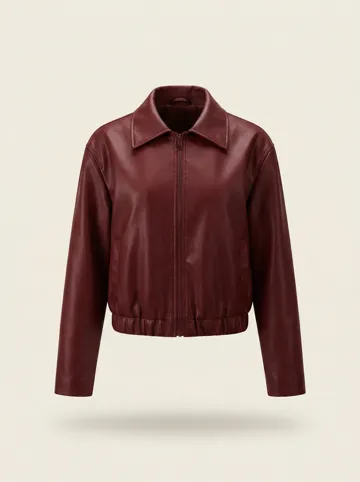 Garment SKU in
Upload Your Garment
A flatlay or product shot — Berrys keeps its leather grain, collar cut, and hardware intact through generation.
Every pose you need for on-model product photography: 100 pose groups, 500 camera angles, in mannequin or depth-map views. Copy a four-part prompt and shoot with it anywhere, or open it in Berrys Canvas and turn one garment photo into a full campaign.
Attach your garment photo and a pose reference, then generate. The model wears your exact SKU and stands in the exact pose you picked — no photoshoot, no re-dressing.
Garment SKU inA flatlay or product shot — Berrys keeps its leather grain, collar cut, and hardware intact through generation.
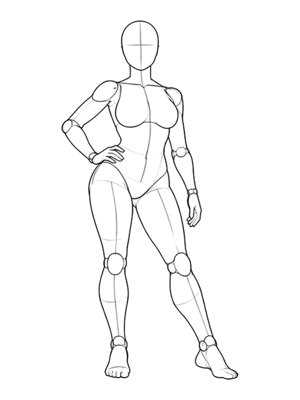 Pose P015 · line-art
The pose's line-art or depth map locks the stance, hand position and camera angle of the final shot.
The four-part brief tells the model what to wear, how to stand and where it's shot — edit it for your brand voice.
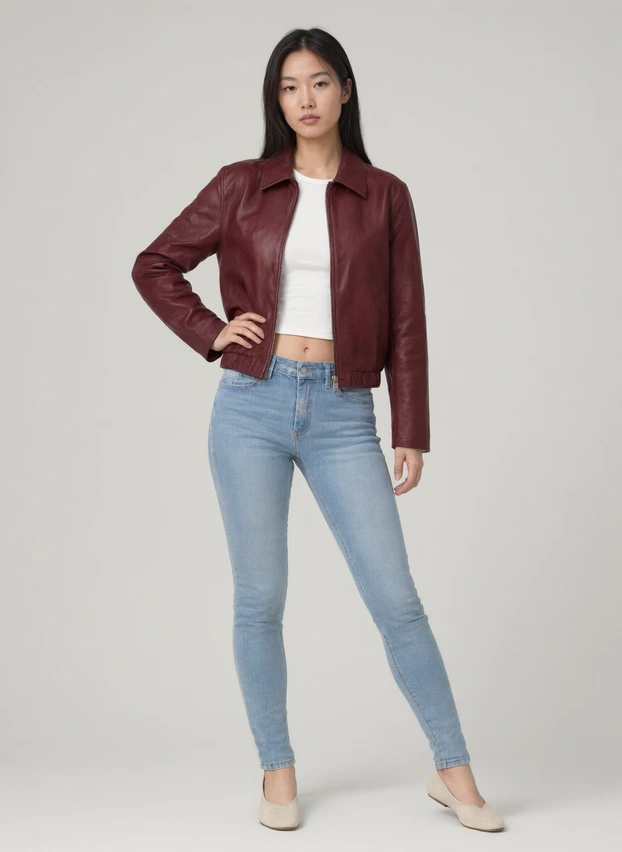 P015 pose matched ✓
The output adopts the attached pose — hand on hip, weight shifted — while wearing your SKU exactly as uploaded.
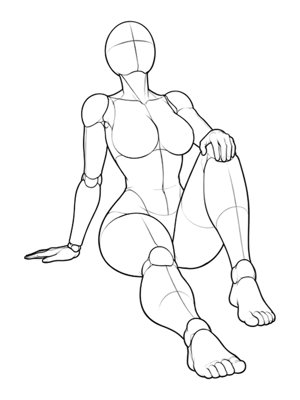 P001Front
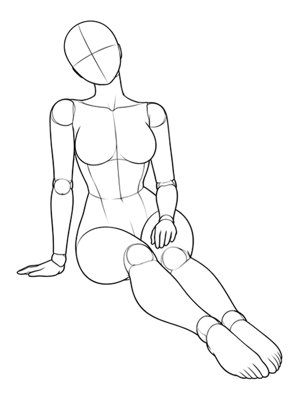 P002Front
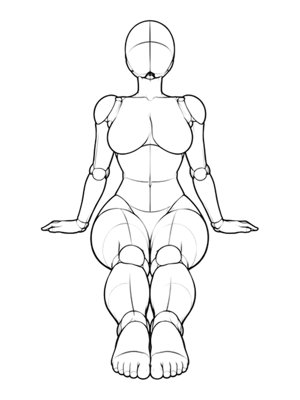 P003Front
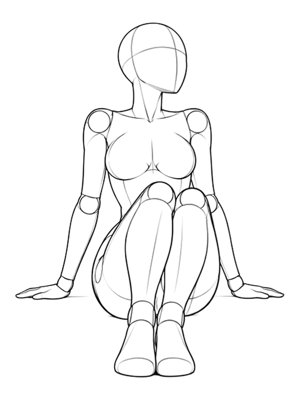 P004Front
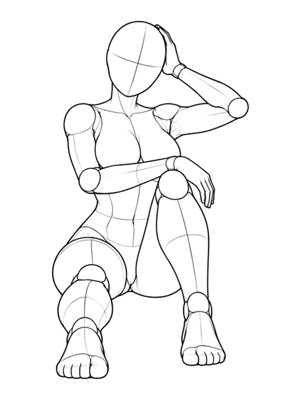 P005Front
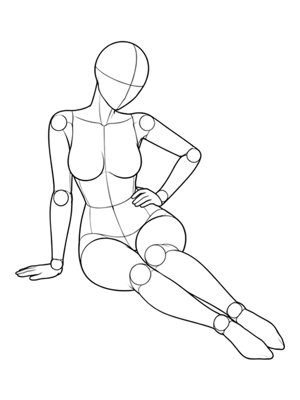 P006Front
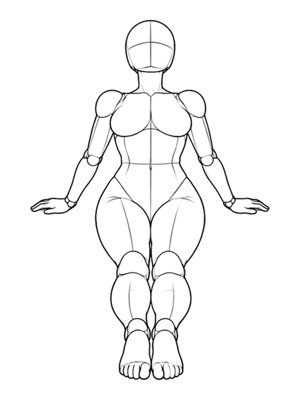 P007Front
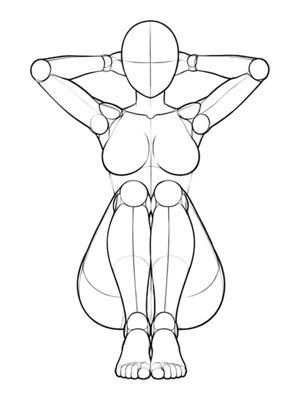 P008Front
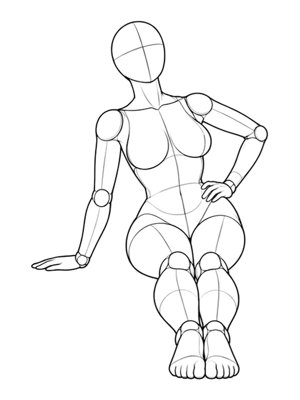 P009Front
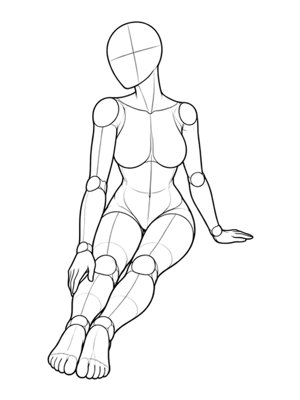 P010Front
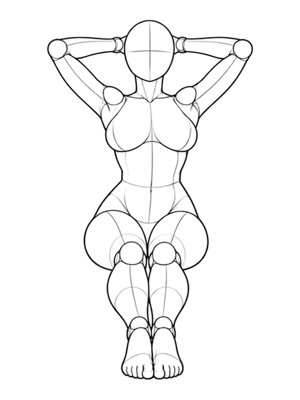 P011Front
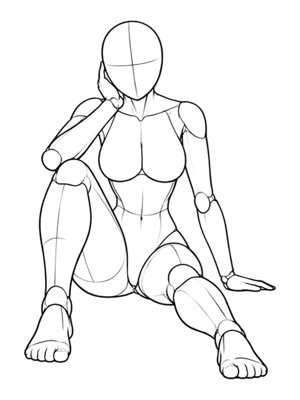 P012Front
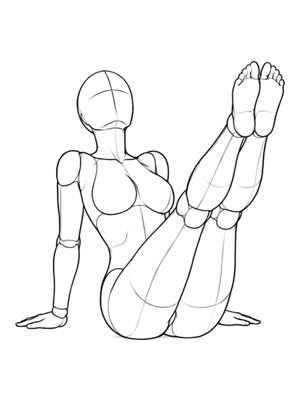 P013Front
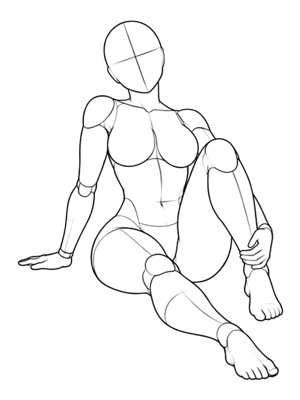 P014Front
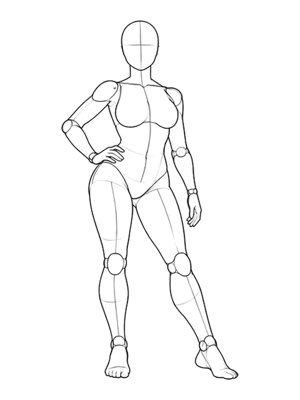 P015Front
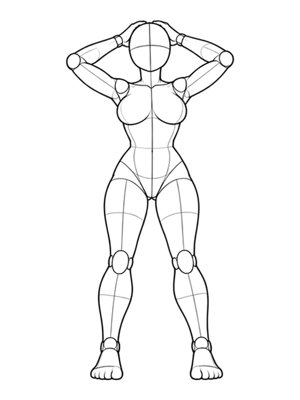 P016Front
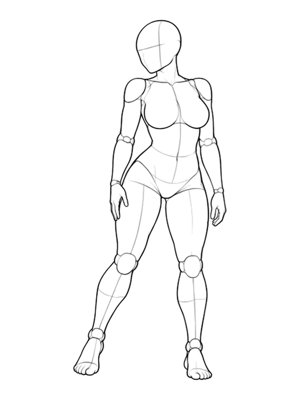 P017Front
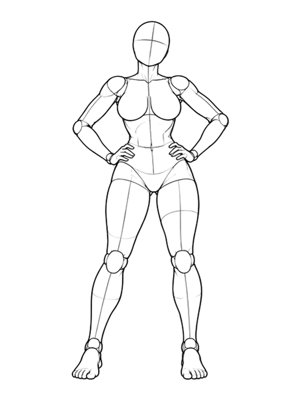 P018Front
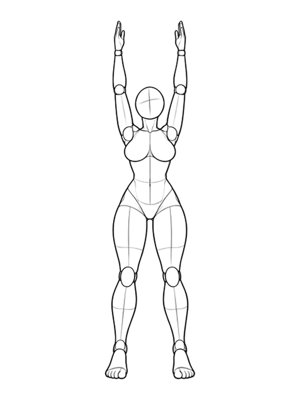 P019Front
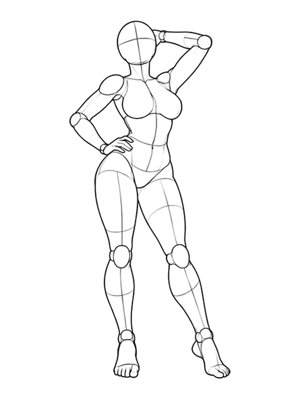 P020Front
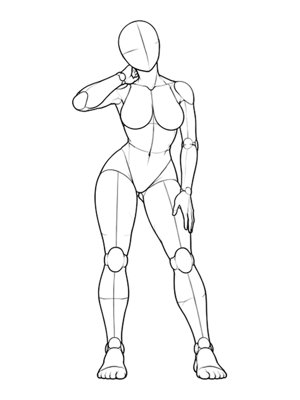 P021Front
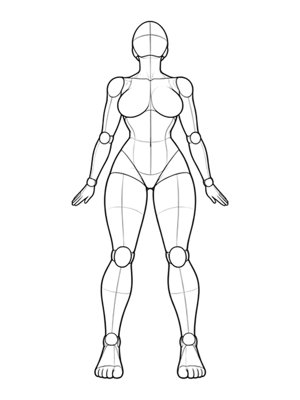 P022Front
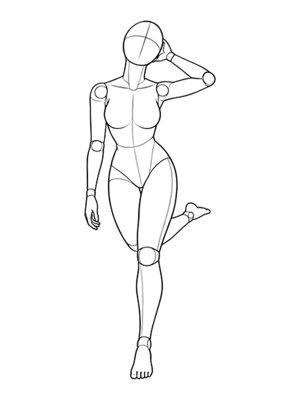 P024Front
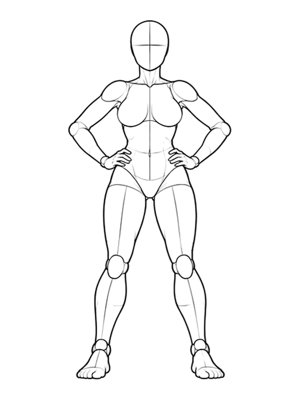 P025Front
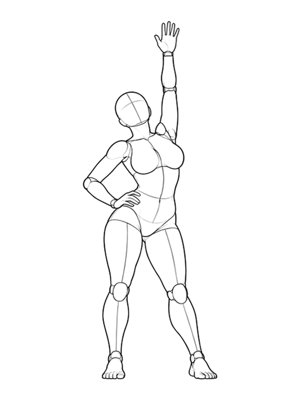 P026Front
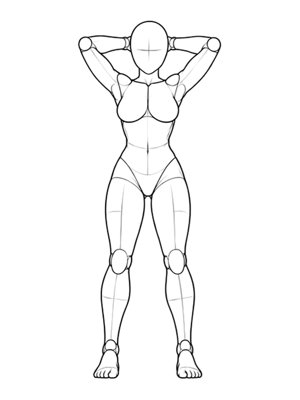 P027Front
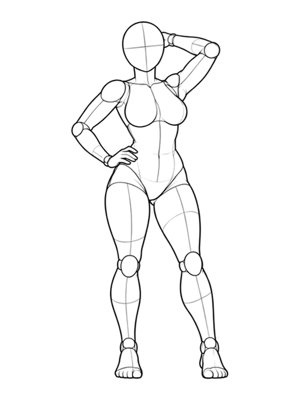 P029Front
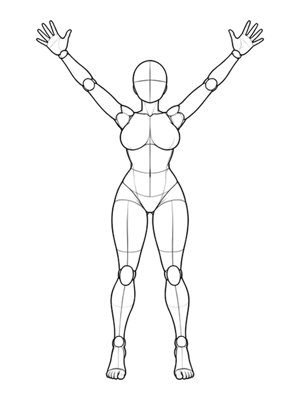 P030Front
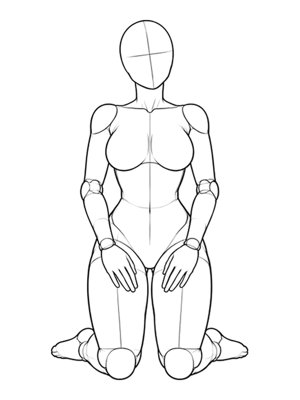 P031Front
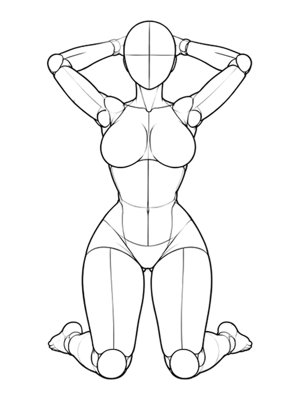 P032Front
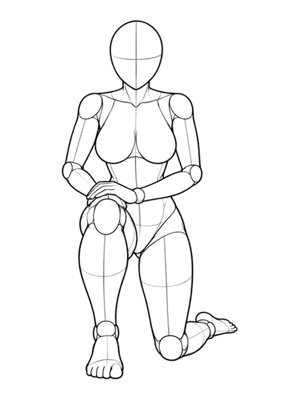 P033Front
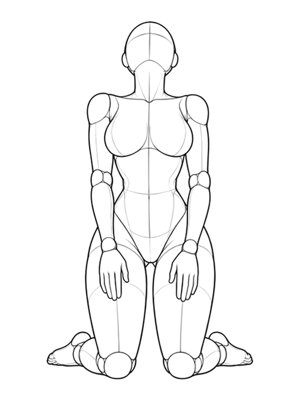 P034Front
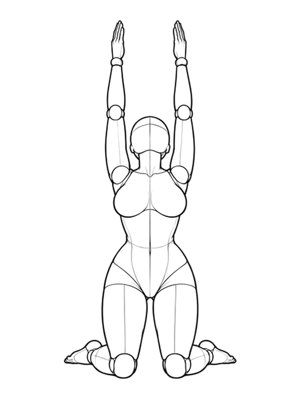 P035Front
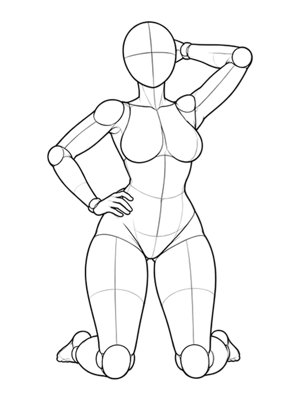 P036Front
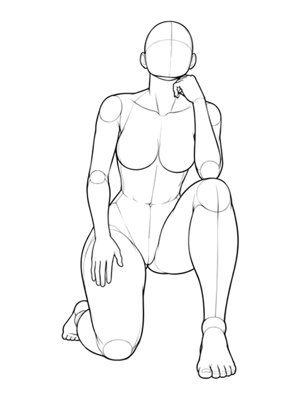 P037Front
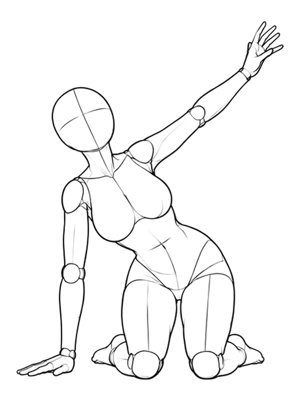 P038Front
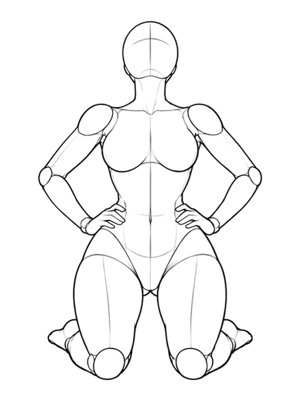 P039Front
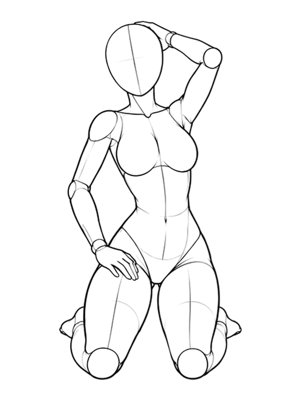 P040Front
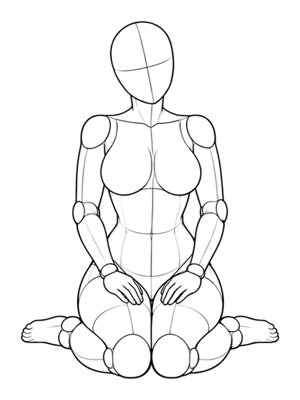 P041Front
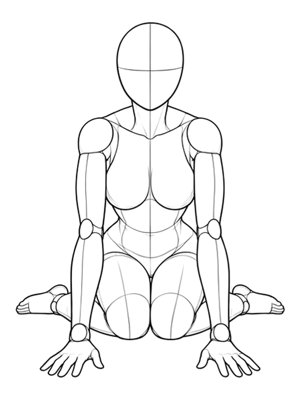 P042Front
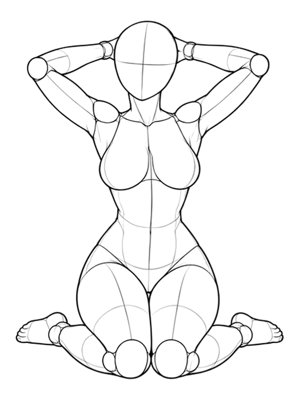 P043Front
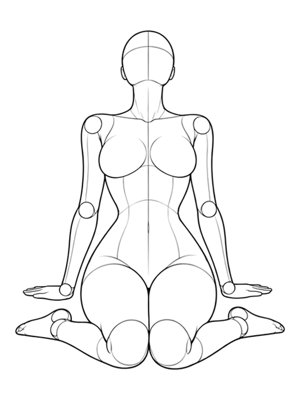 P044Front
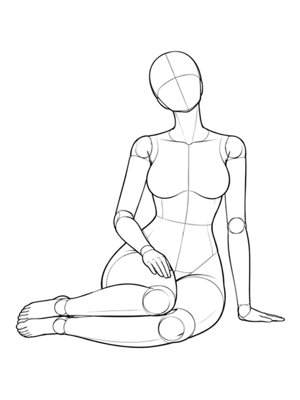 P045Front
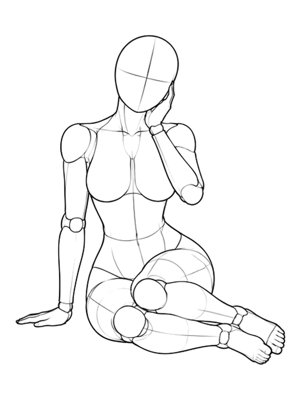 P046Front
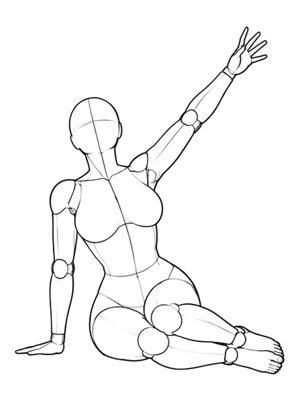 P047Front
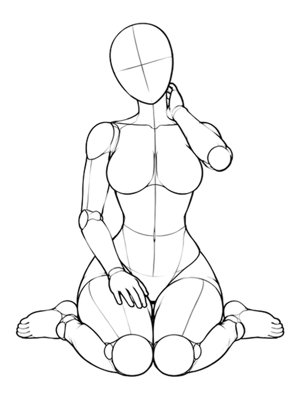 P048Front
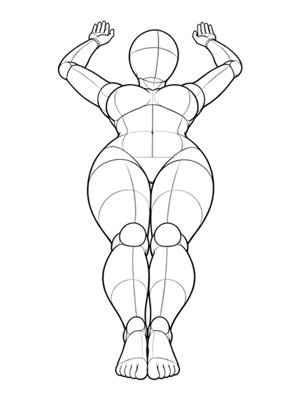 P049Front
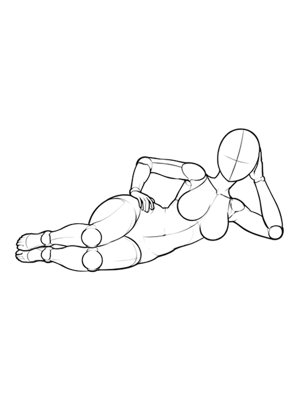 P050Front
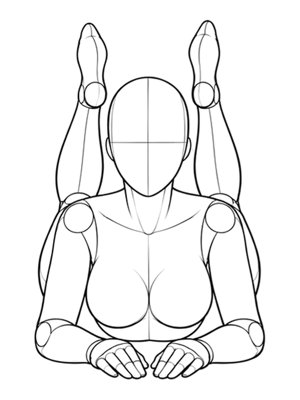 P051Front
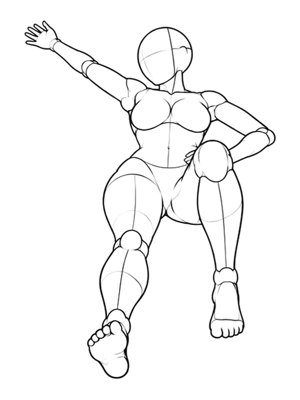 P052Front
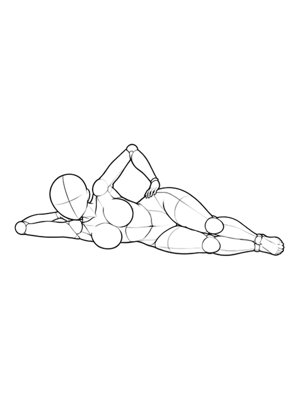 P054Front
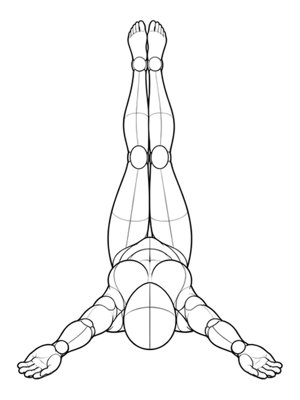 P056Front
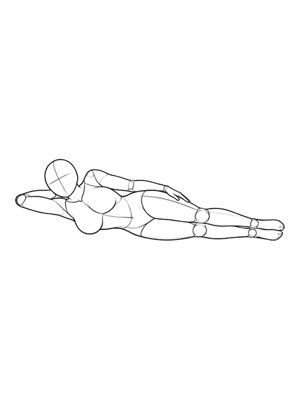 P057Front
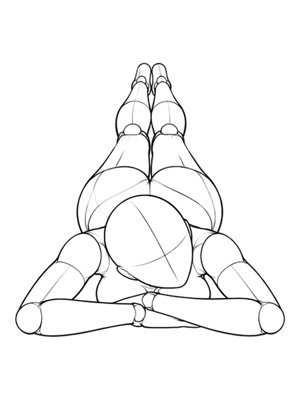 P058Front
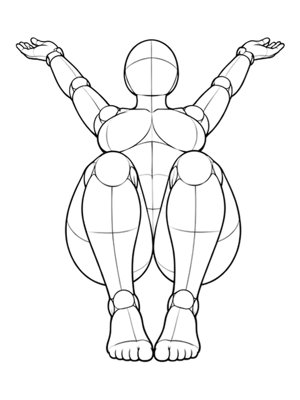 P059Front
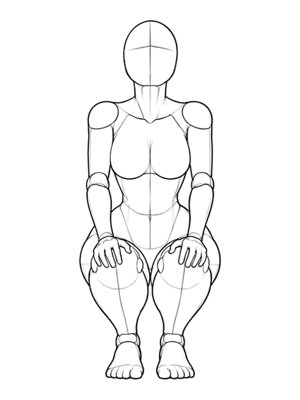 P061Front
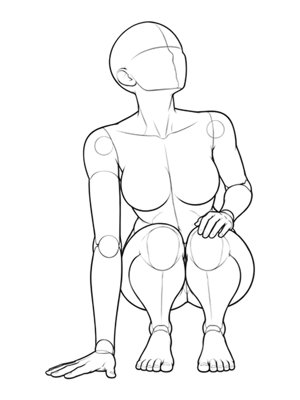 P062Front
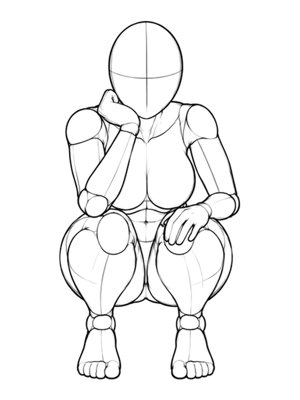 P063Front
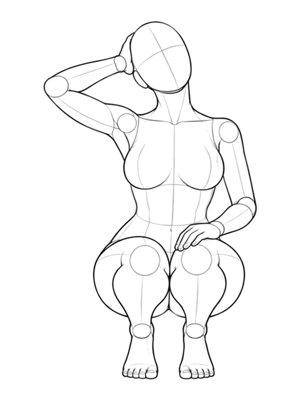 P064Front
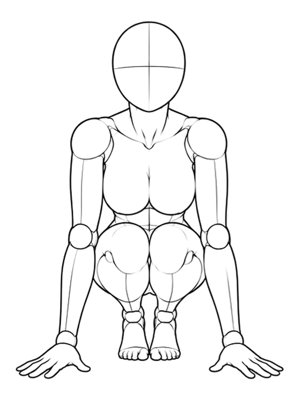 P065Front
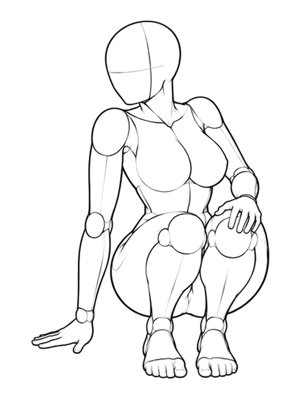 P066Front
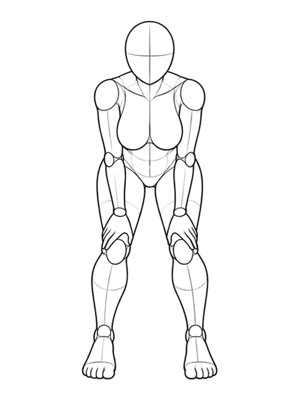 P067Front
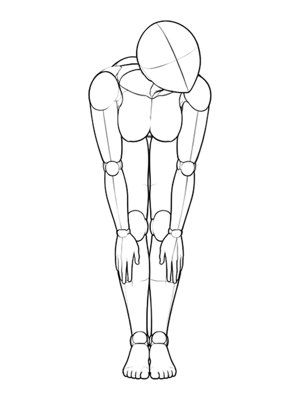 P068Front
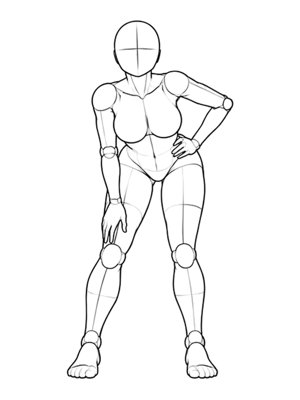 P069Front
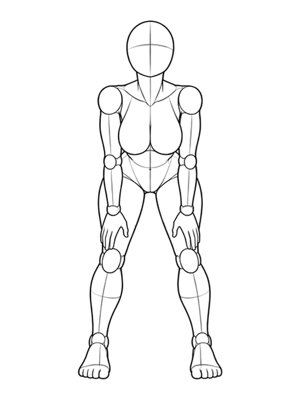 P070Front
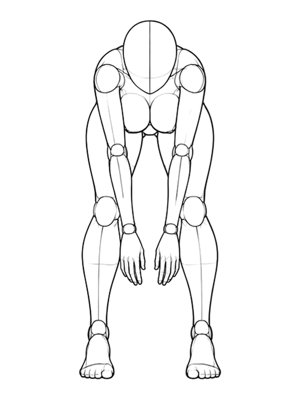 P071Front
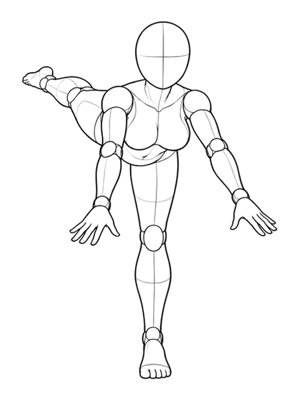 P072Front
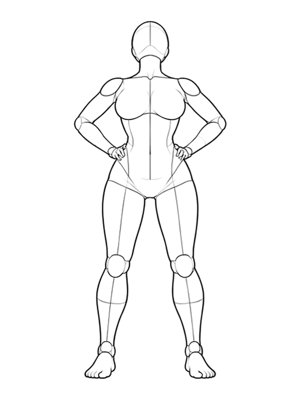 P073Front
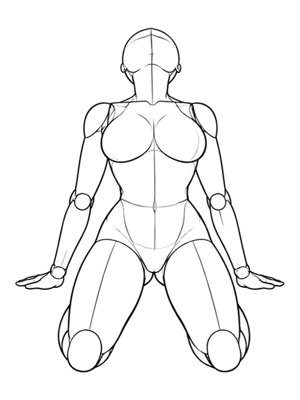 P074Front
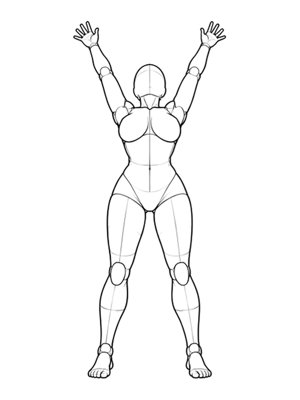 P075Front
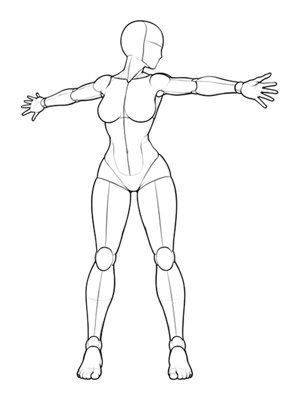 P077Front
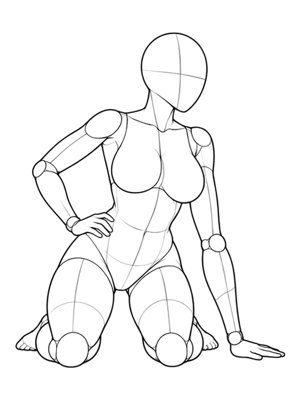 P078Front
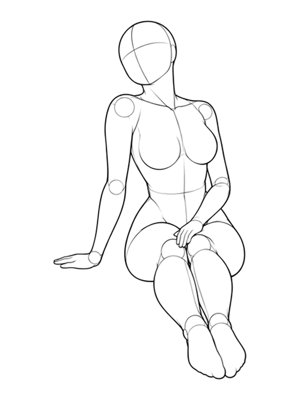 P079Front
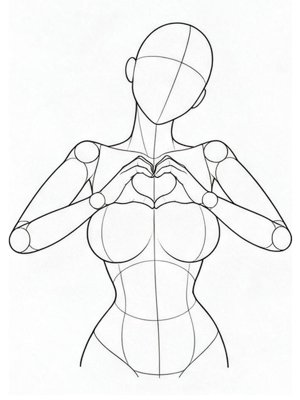 U001Front
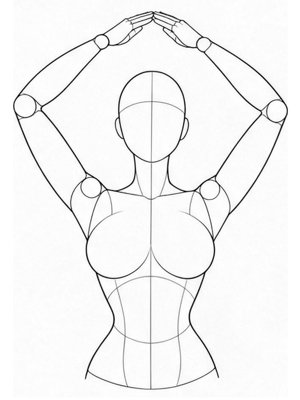 U002Front
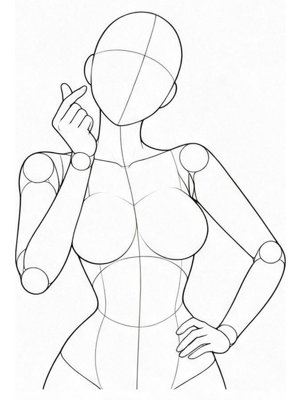 U003Front
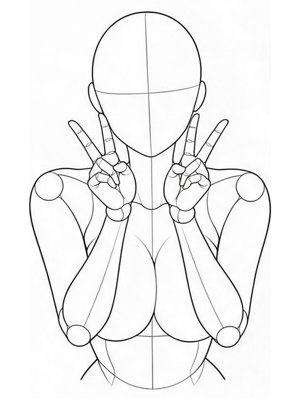 U004Front
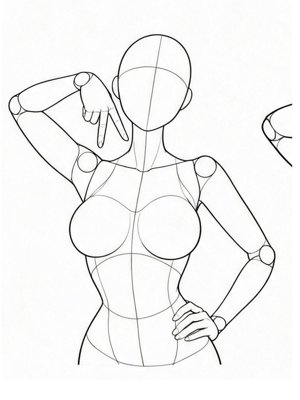 U005Front
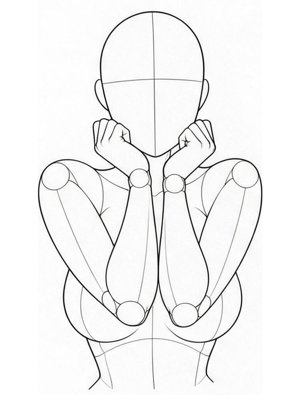 U006Front
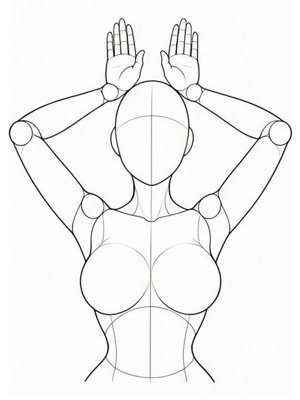 U007Front
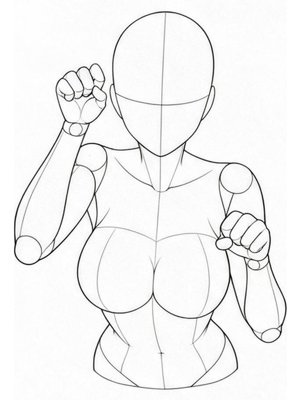 U008Front
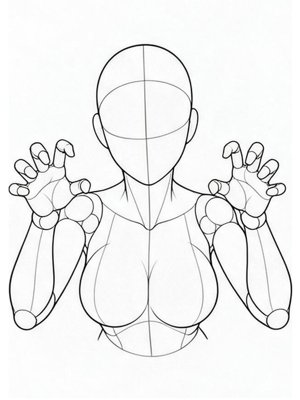 U009Front
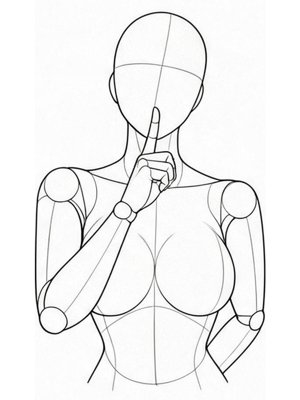 U010Front
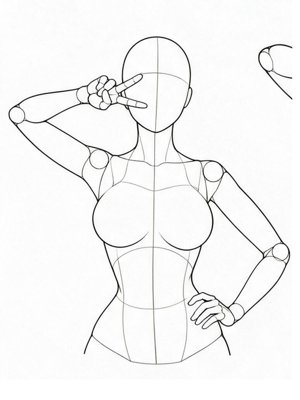 U011Front
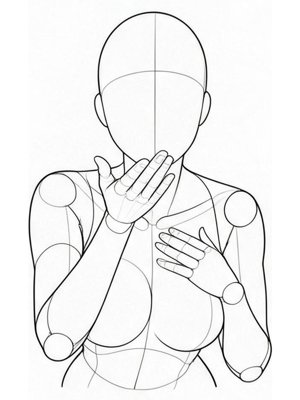 U012Front
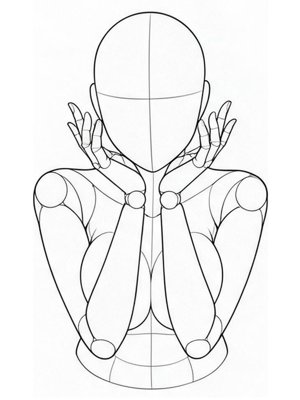 U013Front
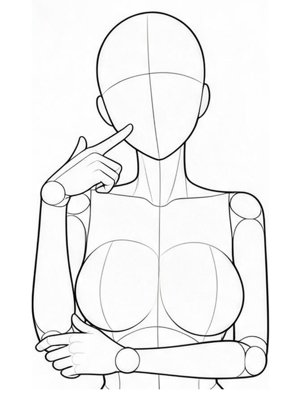 U014Front
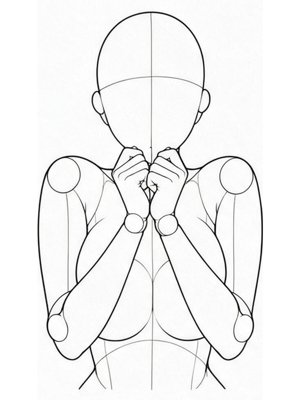 U015Front
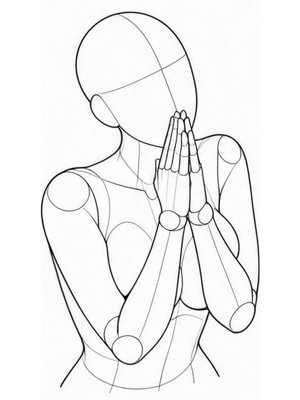 U016Front
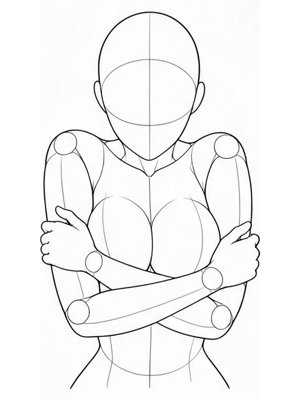 U017Front
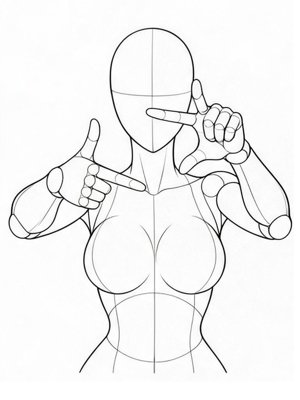 U018Front
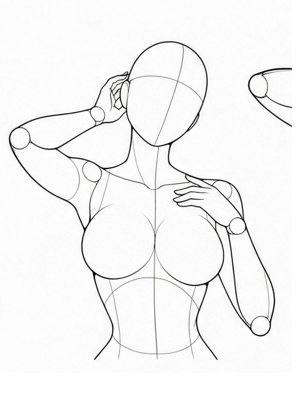 U019Front
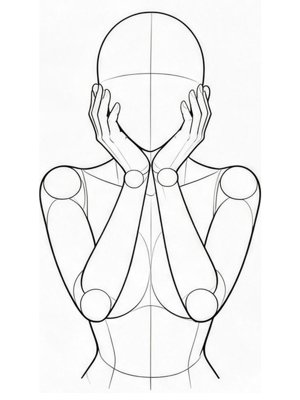 U020Front
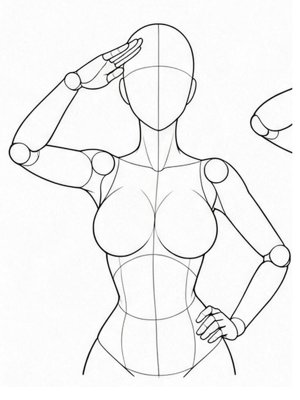 U021Front
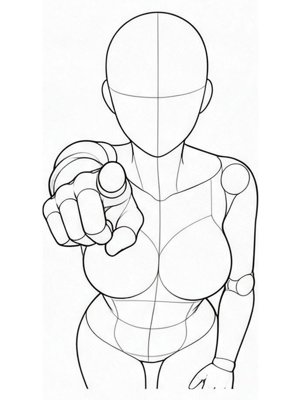 U022Front
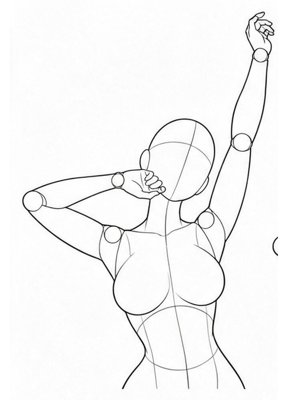 U023Front
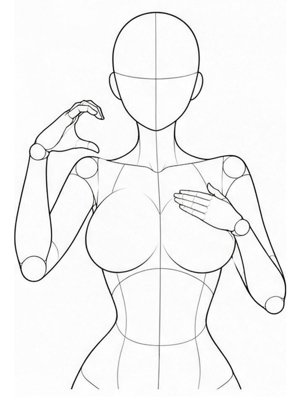 U024Front
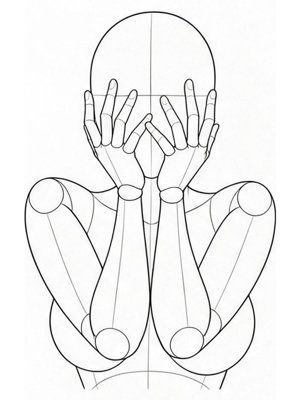 U025Front
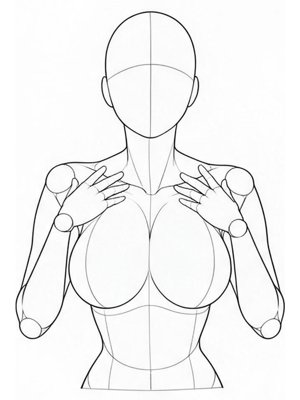 U035Front
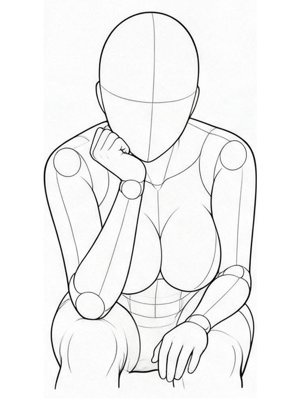 U040Front
The 3D mannequin geometry and multi-angle reference dataset featured in this library are curated from the open-source AI Pose Gallery (anhao/ai-pose-gallery-zh) repository, adapted from the original 3D pose references by @giaaibusi. We also acknowledge PoseWear (atuizz/posewear) for prompt structuring conventions.
All commercial photography prompt helpers, ControlNet depth-map pipelines, studio lighting presets, and Berrys Canvas graph integrations are developed and maintained by Berrys AI for on-model fashion and e-commerce workflows.
Combine these pose references with your brand model memory and product SKU packshots to generate pixel-true on-model catalog imagery in seconds.